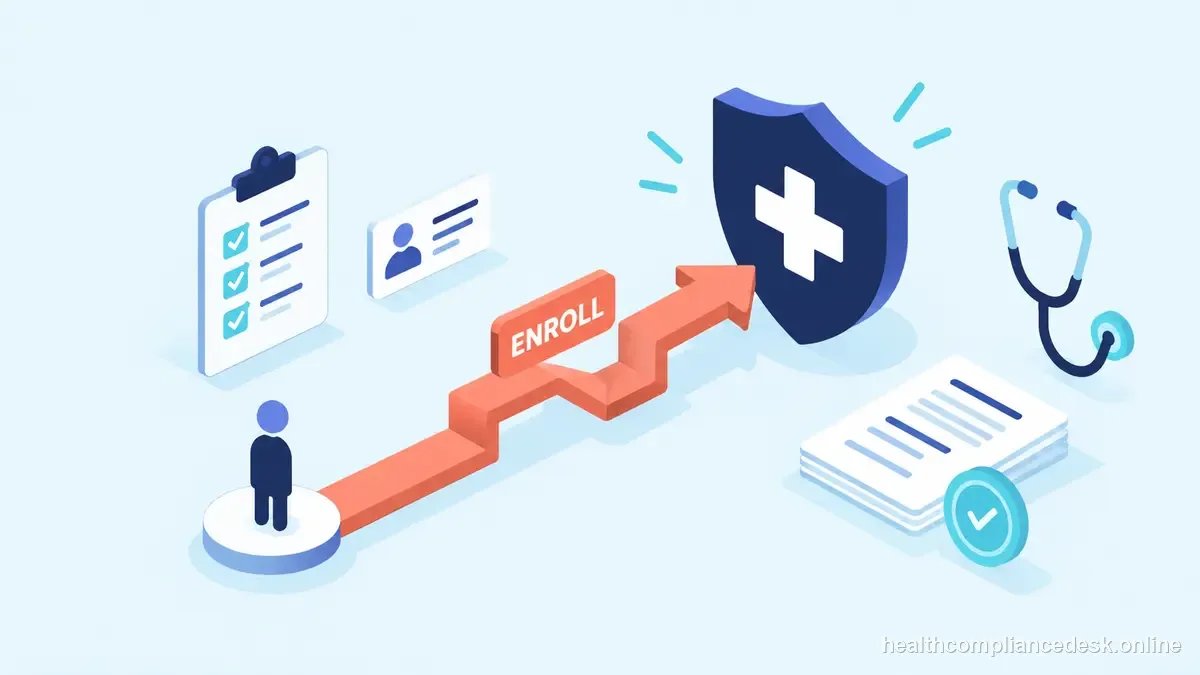
Medicare enrollment is a program-specific approval process, not a synonym for an NPI or commercial credentialing. Use the provider type and billing purpose to select the correct PECOS action, then track the MAC decision through to its effective date.
Choose the Medicare enrollment path before opening PECOS
“Medicare credentialing” is often used as a catch-all phrase, but the CMS process depends on what the clinician or organization intends to do. Decide whether the applicant will bill Medicare for furnished services, enroll only to order or certify, reassign benefits to a group, report a change, revalidate, or opt out. CMS’s provider guide sends institutional providers and DMEPOS suppliers to separate enrollment instructions, so a physician’s basic PECOS workflow should not be copied to those provider categories.
Build the application from the legal and operational records that must agree: provider type, individual or organization NPI, legal name, tax identification details, practice location, correspondence address, ownership and managing control, licensure, and billing relationships. An NPI identifies a provider; it does not by itself enroll the provider in Medicare or authorize Medicare billing. If a practitioner will bill through a group, identify the group enrollment and reassignment relationship as separate records and confirm the effective dates with the Medicare Administrative Contractor (MAC).
CMS describes four high-level steps for many practitioners and suppliers: obtain an NPI when needed, complete the applicable enrollment application in PECOS, pay an application fee if the applicant category requires it, and work with the MAC serving the practice region. The right paper form or online enrollment transaction varies by category and action. Use the PECOS application checklist for that applicant type rather than guessing from an old CMS-855 form found in a shared folder. Gather requested supporting documentation before starting and verify names, addresses, ownership, and authorized officials against the source records.
Submission is the start of review, not proof that billing privileges are active. Save the submission confirmation, note the MAC and application control number, check status through PECOS or the MAC, and assign an owner to every request for more information. Keep the exact request, response, upload receipt, and follow-up date in the file. When an application appears stalled, first identify whether the issue is a portal-access problem, an incomplete application, a fee item, a MAC request, or a pending effective-date decision; these are different resolution paths.
After approval, set a change-reporting control. CMS says ownership changes, adverse legal actions, and practice-location changes must be reported within 30 days; other changes generally within 90 days. The organization should map the reporting owner and backup, then reconcile PECOS details with the claims and credentialing systems. Recheck the applicable CMS and MAC instructions when the provider type or transaction changes, because this basic guide does not establish every specialty-specific enrollment rule.
Enrollment handoff checklist
- Confirm provider category and billing intent before choosing an application.
- Reconcile NPI, tax/legal identity, ownership, address, licensure, and authorized-official details.
- Keep individual enrollment, group enrollment, reassignment, and ordering/certifying status distinct.
- Save the PECOS submission, fee evidence if applicable, MAC correspondence, and final approval/status.
- Do not represent a pending application or NPI as active billing privileges.
- Put CMS’s 30-day and 90-day change-reporting windows on the post-approval calendar.
Three common PECOS paths that should not be combined
An individual practitioner who wants to bill Medicare for furnished services generally needs the enrollment action that fits the practitioner and the practice arrangement. If that practitioner will bill through an enrolled group, the practice must also verify the group’s enrollment and the practitioner’s reassignment relationship; the individual’s approval does not automatically answer the group relationship or effective date. Before billing staff change a workflow, confirm the relevant approval and effective date with the MAC.
A practitioner who does not bill personally but orders or certifies Medicare items and services follows a different participation purpose. CMS lists ordering and certifying as a specific enrollment path, and eligibility to order or certify can be checked in the designated CMS data. Do not submit the ordinary billing workflow just because a clinic’s roster calls every clinician “credentialed.”
An institutional provider or a DMEPOS supplier should stop and use the separate CMS instructions for that provider category. The general guide explicitly directs those applicants elsewhere. Similarly, a provider who wishes to furnish services but not bill Medicare must review CMS’s opt-out rules and any private-contract requirements instead of filing a routine participation application. These distinctions make the phrase “how to bill Medicare” too broad to select a form by itself. Start by naming the provider type, who submits claims, whose NPI is used, whether benefits are reassigned, and whether the request concerns an initial enrollment or a change.
For day-to-day control, assign one staff member to watch the PECOS application and another to cover MAC correspondence when that person is away. Record each development request with its deadline and the exact evidence sent. CMS says certain changes must be reported within 30 days and other changes within 90 days; add the reporting owner and due date to the practice’s post-approval change log. Use the PECOS overview and Medicare application types for the next layer of transaction-specific detail.

A clean application file makes follow-up easier
Before opening PECOS, compare the source records that feed the application. Check NPPES for the provider’s NPI and taxonomy, the state board for the professional license, the organization’s formation and tax records for legal identity, and the practice’s ownership/control records for reportable parties. Any mismatch should be resolved or explained before submission; small differences in a suffix, address, or entity name can create a contractor development request after the application is already in review.
Create a concise transaction index that states the applicant, provider type, purpose, application action, submission date, PECOS control number, MAC, authorized official, and supporting documents. Add a separate row for each ownership, location, or reassignment item so the team can tell which data was included in which submission. For each MAC request, record when it arrived, the response deadline, who is drafting the response, which evidence was uploaded, and when PECOS confirmed receipt.
On approval, notify billing only after the responsible reviewer has confirmed the final enrollment status and effective date for the correct individual or entity. Check for any outstanding group reassignment, roster, payer contract, or system configuration step before claims are released. This handoff prevents the mistaken conclusion that an NPI, a credentialing approval, or a submitted PECOS application alone means the practice can bill Medicare for every service.
- Name transactionChoose the enrollment action before opening the portal.
- SubmitKeep the application snapshot and transaction receipt.
- Resolve developmentAssign an owner and next-action date to each request.
- ApprovalUse CMS or MAC evidence, not a vendor status alone.
- EffectiveTell billing the documented date and any restrictions.
Close only after final Medicare status and operational effective date are documented, with any development request resolved.
| Action | Purpose | Record to verify |
|---|---|---|
| Initial enrollment | Establish provider/supplier enrollment | NPI, application, MAC decision |
| Reassignment | Connect practitioner billing to an enrolled group | Individual and group relationship/effective date |
| Order or certify | Enroll for specified non-billing functions | Correct application and practitioner eligibility |
| Opt out | Furnish services without Medicare billing | Opt-out affidavit and applicable private contracts |
The correct PECOS transaction follows the provider type and intended Medicare activity.