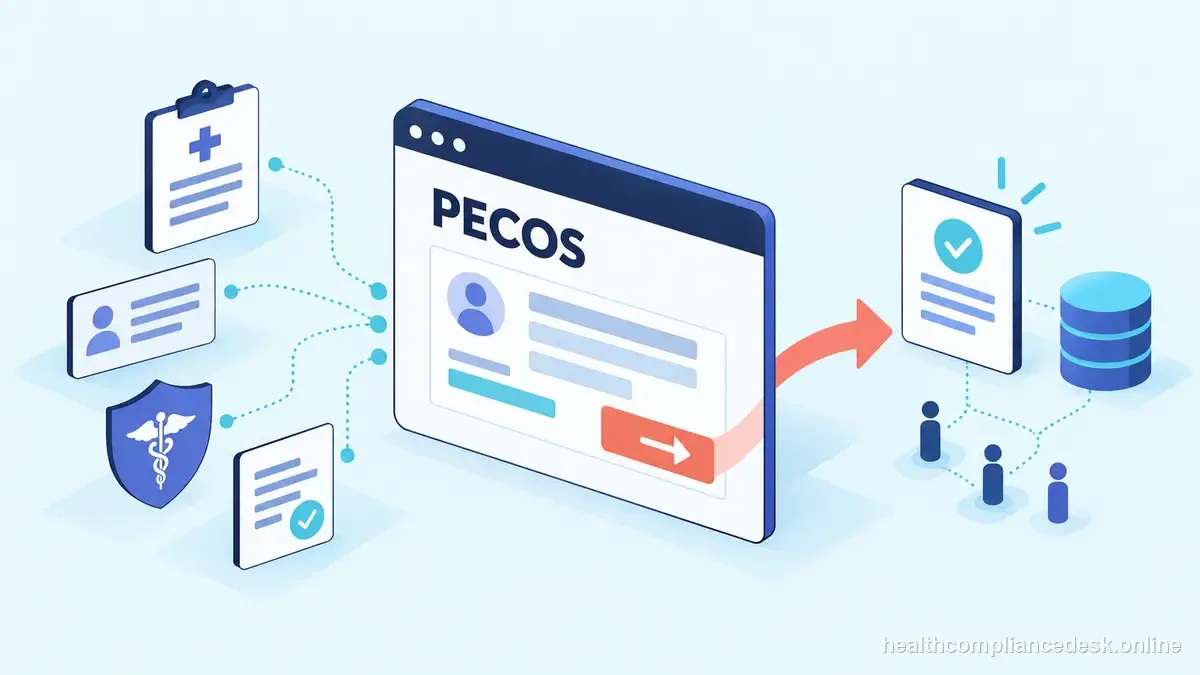
The useful question behind What Is PECOS? A Practical Guide for Provider Enrollment Staff is not “which form do I click?” It is “which authority controls this status, what facts change the answer, and what proof will still make sense six months later?” For provider operations managers and provider-enrollment staff, that distinction prevents routine administration from turning into a licensing problem.
PECOS workflow in day-to-day operations
When handling pecos overview, a practice says a provider is “credentialed,” but claims still reject because the payer never activated the enrollment record. Separate credentialing approval from enrollment and the payer billing-effective date. When handling pecos overview, keep each milestone and its evidence in a different status field.
Track development requests and status
PECOS is CMS’s online enrollment system; a clean PECOS application depends on accurate identity, ownership, practice-location, reassignment, and supporting-document information. For the pecos overview file, track submitted, development requested, response sent, approved, effective, and closed as separate statuses. For this pecos overview issue, attach an owner and next-action date to every open application so payer or MAC requests do not disappear in email.
Name the Medicare transaction first for this scenario
When handling pecos overview, medicare enrollment and Medicaid enrollment are not one workflow. When handling pecos overview, medicare uses CMS/PECOS and Medicare Administrative Contractors, while Medicaid enrollment is administered by states. For the pecos overview file, a practice should maintain separate checklists and source links.
close the file with evidence
In a pecos overview review, for CAQH work, preserve attestation dates and the documents supporting key profile fields. For payer enrollment, keep the payer’s final status and operational effective date separately from CAQH or credentialing evidence so billing knows which date controls claims.
Effective date is an operational milestone — PECOS workflow
Common enrollment exceptions include different addresses across NPPES and payer files, wrong NPI type, taxonomy mismatch, ownership changes, reassignment errors, a provider moving locations, and a credentialing approval that does not yet have a payer activation date. Each should be treated as a reconciliation problem.
Identity and authority before PECOS before the next step
When handling pecos overview, use a transaction-specific status rather than “credentialed.” Record whether the task is NPI enumeration, Medicare initial enrollment, revalidation, reassignment, change of information, commercial credentialing, payer enrollment, contracting, or effective-date activation.
Build the application packet in the working file
For this pecos overview issue, when a provider joins a group, track both the individual’s enrollment and the relationship to the organization. For this pecos overview issue, depending on the program or payer, reassignment, roster, tax, contract, or location steps can be separate from the individual’s credentialing approval.
System boundaries
- Use NPPES for NPI identity data, PECOS/CMS and the MAC for Medicare enrollment, CAQH for shared provider data, and the payer for its own participation status.
- Do not assume an update in one system propagates automatically to the others.
- When two systems disagree, identify which record is authoritative for the disputed field before editing either one.
- Schedule coordinated updates after address, ownership, license, malpractice, roster, or practice-location changes.
- Keep access under practice control so a departing employee or vendor is not the only person who can reach a critical account.
What the next owner needs for PECOS workflow
When handling pecos overview, begin with CMS — Medicare Provider & Supplier Enrollment, CMS — PECOS. When handling pecos overview, re-check the current CMS, NPPES, CAQH, MAC, or payer instructions that control the transaction because enrollment systems and program procedures change. In a pecos overview review, internal trackers and vendor dashboards should point back to the authoritative status rather than replace it.
Passing the PECOS workflow file to the next owner
A clean handoff for this enrollment task tells the next person which system controls the status, what has been submitted, what evidence is missing, who owns the next action, and which date matters to operations. PECOS is CMS’s online enrollment system; a clean PECOS application depends on accurate identity, ownership, practice-location, reassignment, and supporting-document information. When handling pecos overview, keep portal access under practice control and document authorized officials or delegates. Vendor or employee turnover should not erase the only copy of a submission or leave the provider group unable to respond to a development request.
After an address, ownership, license, roster, or location change, list each downstream system and preserve old and new values with the effective date.
When one PECOS workflow change touches several systems
An address, ownership, license, malpractice, roster, or practice-location change can affect more than one system involved in the provider record. PECOS is CMS’s online enrollment system; a clean PECOS application depends on accurate identity, ownership, practice-location, reassignment, and supporting-document information. For the pecos overview file, create a change record listing every downstream destination rather than assuming one portal updates the others. In a pecos overview review, keep the old and new values with the effective date. This is especially useful when a payer later shows a stale address or affiliation and the organization must prove when the correction was made.
What determines the next step for PECOS workflow
Finish on the status that matters operationally: the correct identity record, accepted enrollment or payer action, documented billing-effective date, and evidence that downstream billing or roster work is ready. When handling pecos overview, “Submitted” or “credentialed” is not a substitute for that final state.
| Internal tracker or vendor dashboard | Controlling enrollment record | |
|---|---|---|
| Role | Summarizes work for operations | Establishes the official transaction status |
| What to retain | Reported milestone and responsible owner | PECOS or CMS/MAC evidence and correspondence |
| Closeout | Do not treat a summary as final approval | Document final status and the operational effective date |
Official references for PECOS workflow
For the pecos overview file, use CMS — Medicare Provider & Supplier Enrollment, CMS — PECOS for the part of the workflow each source actually controls. Reconcile the exact PECOS transaction, NPI, legal and tax identity, source documents, MAC correspondence, and final Medicare status instead of treating a vendor tracker as the source of truth. When handling pecos overview, for Medicare work, submission in PECOS is a milestone rather than final approval; for NPI work, enumeration is identity rather than credentialing; and for CAQH, an attested profile is data shared with participating plans rather than a universal payer approval.
What operations should carry forward on PECOS workflow
In a pecos overview review, pECOS submission is not the same as Medicare approval or billing readiness. Validate the exact PECOS transaction, NPI, legal and tax identity, supporting records, MAC correspondence, and final Medicare status, respond to any development request, and close only when the final program status and effective date are documented for operations.